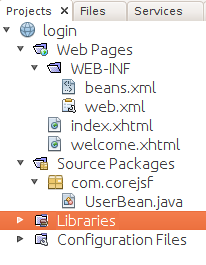
When you create a NetBeans JSF project from existing source and the project sources use Contexts and Dependency Injection (CDI), NetBeans indicates that the source code has errors as shown below.
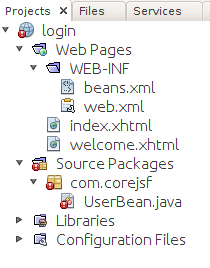
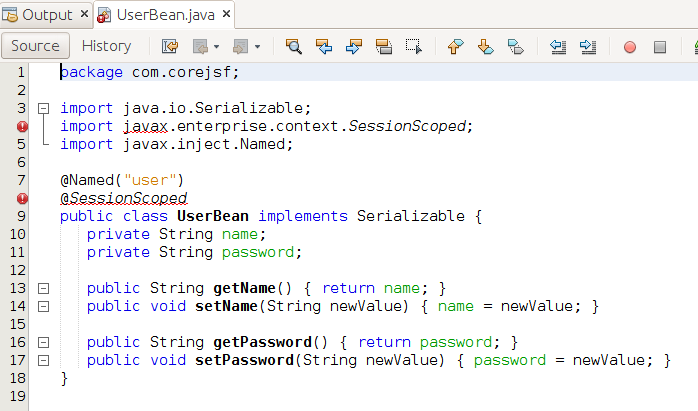
The errors are due to a bug in the 8.0 versions of NetBeans. It does not include a critical library, cdi-api.jar, when it searches for import sources. This problem can be fixed by manually adding the library with the following steps.
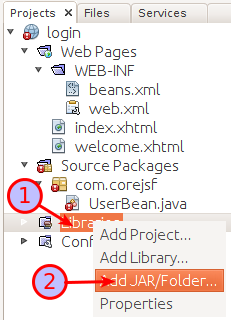
- Use the libraries menu to bring up the Add Jar/Folder dialog.
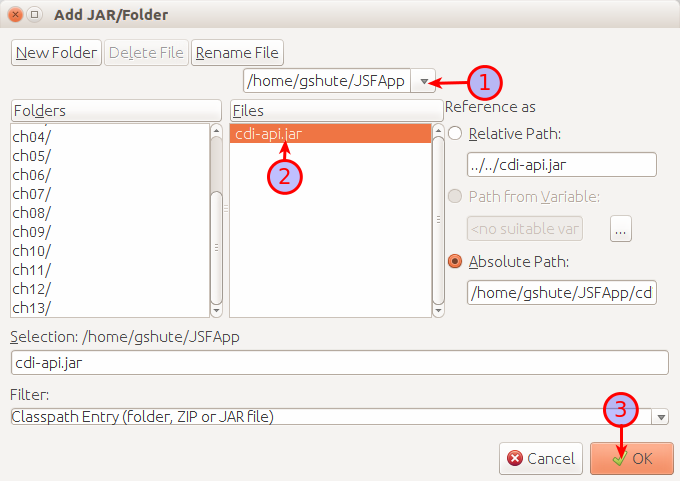
- Use the Add Jar/Folder dialog to add cdi-api.jar.