In this assignment you will continue to use the problem solving framework
you created in a lab exercise (see menu to the left).
You will add to the same
ProblemSolver project you created for the
lab exercise.
Your job for this assignment is to create the farmer, wolf, goat, and
cabbage (FWGC) and 8-puzzle applications as described in the problem
solving framework lecture notes. You will also write test cases for the
8-puzzle application.
Each of these applications will use the framework just like the
arithmetic problem application did in the lab exercise.
However, these applications require more thought when coming up with
state representations and mover objects. These decisions will be up to
you.
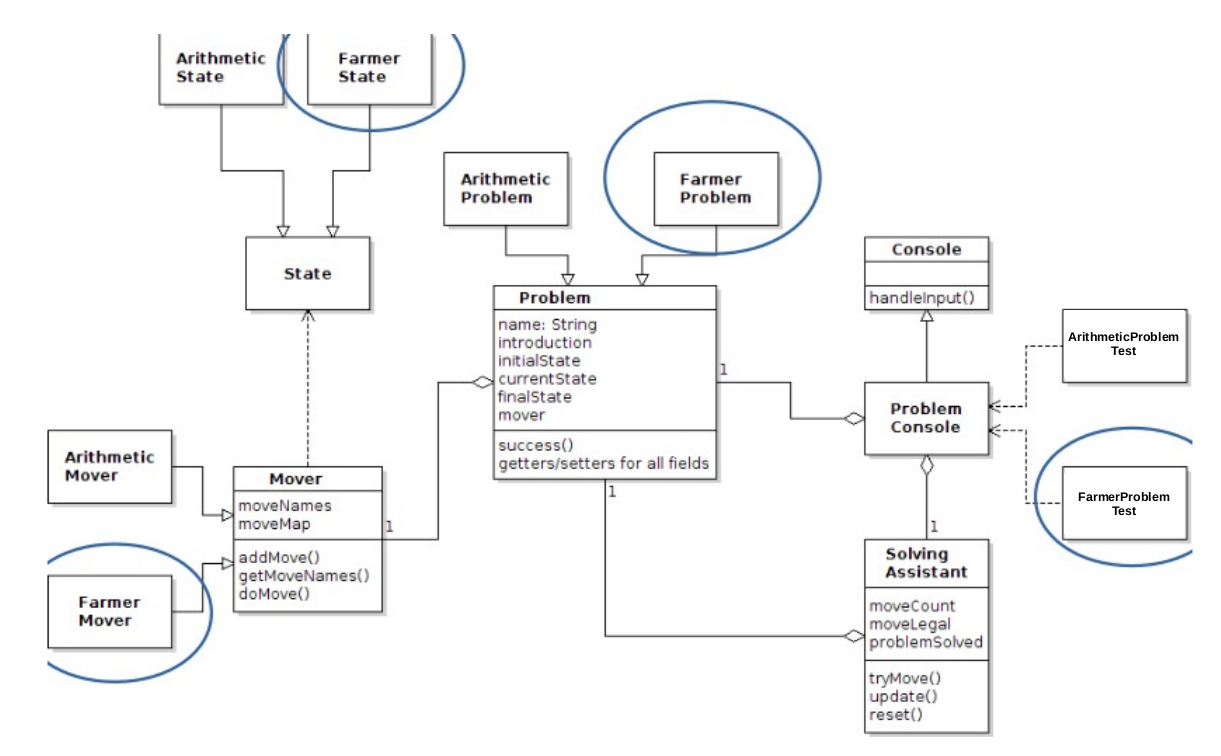
The class diagram for the FWGC application classes is shown below. Note
the similarity in structure to the lab exercise.
Open the
ProblemSolver project in NetBeans and
create a package called
domains.farmer by right
clicking
Source Packages and selecting
New > Java
Package....
Right click
domains.farmer and select
New > Java
Class... to create the required
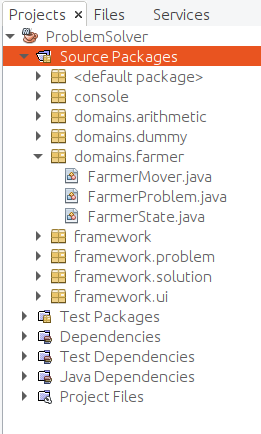
classes as shown below at left.
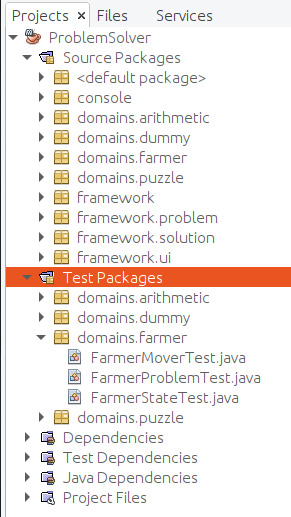
Then right click on each of the new classes and select
Tools
> Create/Update Tests to create the test classes as shown
below at right.
Implement and test the domain classes
FarmerState,
FarmerMover, and
FarmerProblem
just as you did in the lab exercise.
The test file code is given for you and available from the menu
at left.
The
FarmerStateTest.java file is shown below.
Note that your
FarmerState class must provide a constructor
accepting the strings "
East" and "
West" as arguments
for the initial locations of the four characters.
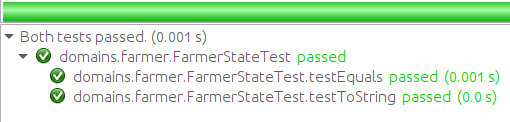
When
FarmerState is implemented correctly,
running
FarmerStateTest will produce this output:
The
FarmerMoverTest.java file is shown below.
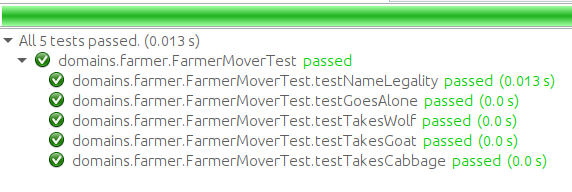
When
FarmerMover is implemented correctly,
running
FarmerMoverTest will produce this output:
The
FarmerProblemTest.java file is shown below.
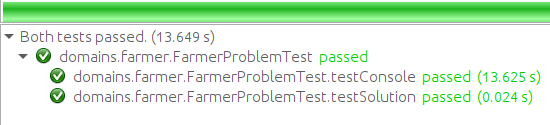
When
FarmerProblem is implemented correctly,
running
FarmerProblemTest will display the console
allowing the user to manually solve the problem.
Upon exiting the console, the coded tests in the test file will
be run. If successful, the test results look like:
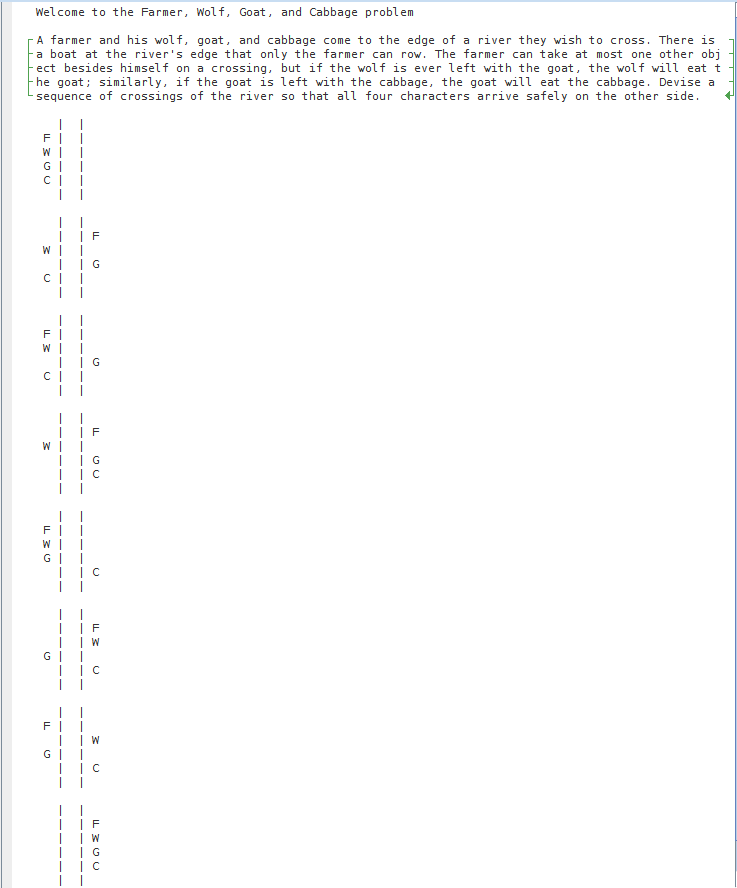
The tests will also produce some display output, shown in the
menu at left.
As in the lab exercise,
there is no separate test class for
FarmerConsole.
Like
ArithmeticConsole,
FarmerConsole creates
a
ProblemConsole with an appropriate argument.
To test
FarmerConsole, simply run it and interact with the
application. If your previous tests have succeeded, it will run like
the
FarmerSolver.jar application presented in the problem
solving framework lecture notes.
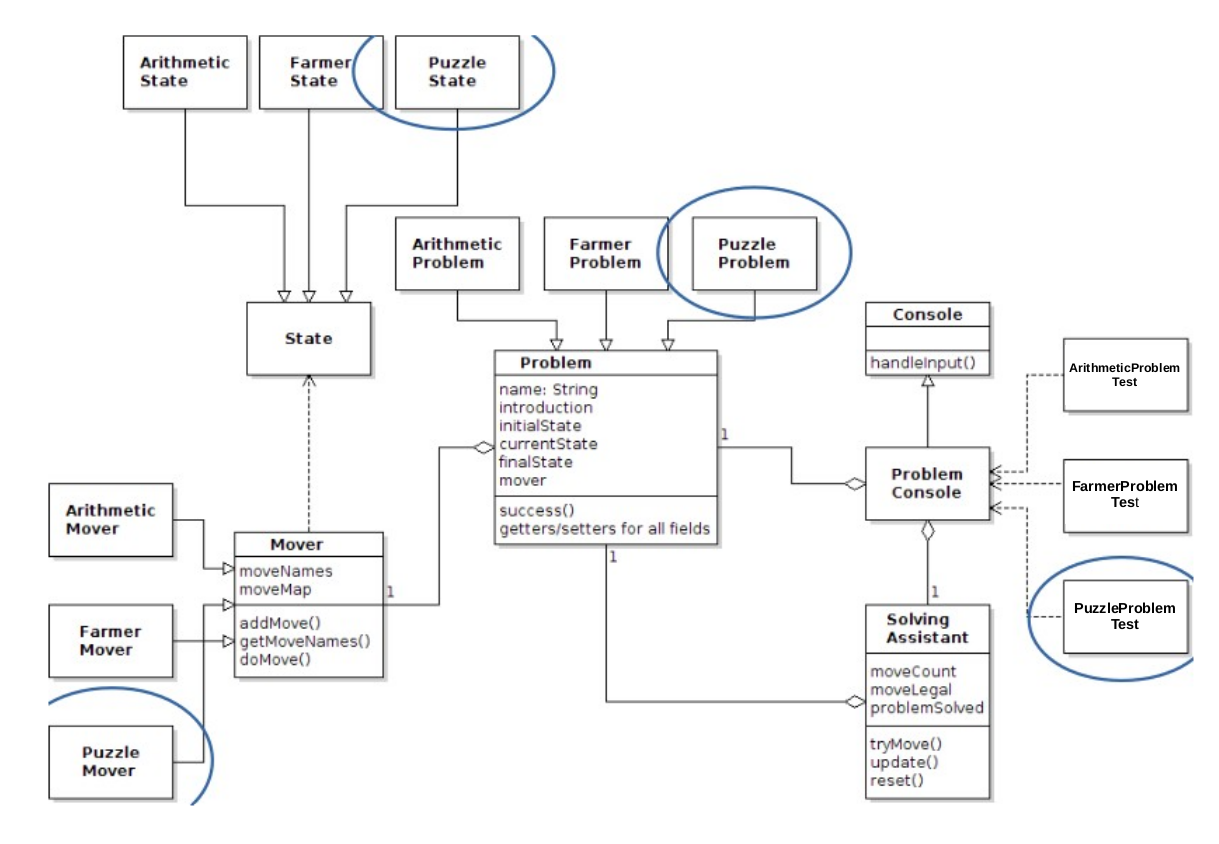
The class diagram for the 8-puzzle application classes is shown below.
You are given an implementation of the
PuzzleState class that
takes care of puzzle state representation details. You will focus on
implementing
PuzzleMover and
PuzzleProblem, and providing
test classes for them.
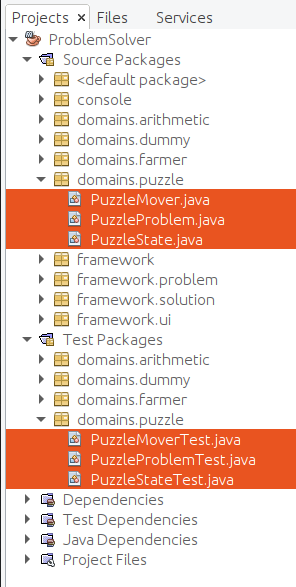
Create a source package called
domains.puzzle and create
source and test classes similar to those for the farmer
problem. Your project structure should look like:
The
PuzzleState and
PuzzleStateTest classes are
given to you complete and are available here:
The are also displayed through the menu to the left. Note:
- Puzzle states are represented as two-dimensional arrays of
integers, with zero representing the blank tile
- The PuzzleState class uses a nested class
called Location to represent the location of a tile through
its row and column indexes
Copy the contents of each of these files to their appropriate locations in the project,
then study and run the test file to see how
PuzzleState objects are
created and used.
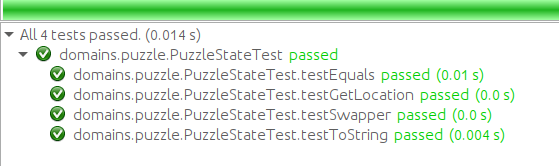
PuzzleStateTest output should look like
this:
You must implement the
PuzzleMover class.
Use your
FarmerMover class as a model. Hints:
- The moves are named SLIDE TILE 1, SLIDE TILE 2, ..., SLIDE
TILE 8
-
When creating functional objects given to the addMove
method:
- Use PuzzleState's getLocation method to determine
a tile's (including the blank's) row and column indexes
- Use a tile's and the blank's row and column indexes to determine
if they are adjacent
- Use PuzzleState's second constructor (the one with three
arguments) to construct a new state with a tile and blank
exchanged
When you are ready, write the
PuzzleMoverTest class to test
your
PuzzleMover class.
A template version is shown through the menu.
IMPORTANT: Be sure that your tests, like those
in FarmerMoverTest, check that the states created
by doMove do not side effect the state argument.
Your mover will fail these tests if it does not make a deep copy of
the tile array.
If you don't have adequate tests, your PuzzleMover may cause
difficult bugs in later labs and assignments.
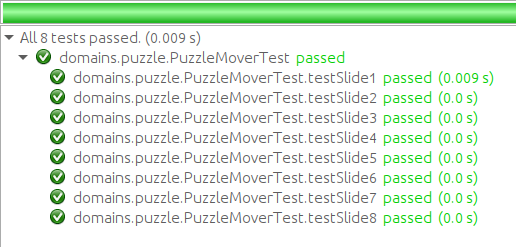
When complete, the test results will be:
You must implement the
PuzzleProblem class.
Use your
FarmerProblem class as a model.
The start state is:
+---+---+---+
| 2 | 8 | 3 |
+---+---+---+
| 1 | 6 | 4 |
+---+---+---+
| 7 |   | 5 |
+---+---+---+
The final state is:
+---+---+---+
| 1 | 2 | 3 |
+---+---+---+
| 8 |   | 4 |
+---+---+---+
| 7 | 6 | 5 |
+---+---+---+
When you are ready, write the
PuzzleProblemTest class to test
your
PuzzleProblem class. A template version is shown through the
menu.
To download:
PuzzleProblemTest.java
Note the similarity to the
FarmerProblemTest class.
The
testConsole method will allow the user to manually
solve the problem.
Upon exiting the console, the
testSolution method, which you must
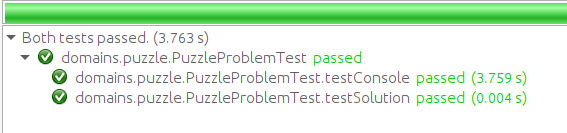
complete, will present the problem and solve it. The
test results should be:
Like
FarmerConsole,
PuzzleConsole creates
a
ProblemConsole with an appropriate argument.
To test
PuzzleConsole, simply run it and interact with the
application. If your previous tests have succeeded, it will run like
the
PuzzleSolver.jar application presented in the problem
solving framework lecture notes.
When your FWGC and 8-Puzzle problems are working correctly:
- Make sure your identifying information is in the class comments
of all your files
- Use the NetBeans Export Project feature to
create ProblemSolver.zip in a location other than
your project folder.
- Submit ProblemSolver.zip by going to
and clicking Submission under Assignment:
Frameworks.
Note the general
Submission Policy in the menu at left.
Your project will be inspected, tested, and run by the lab instructor. Grading criteria:
- (14 points) Successful implementation of the FWGC problem
(FarmerState, FarmerMover, FarmerProblem,
and FarmerConsole) including successful running of the test classes
- (10 points) Successful implementation of the 8-Puzzle problem
(PuzzleMover, PuzzleProblem,
and PuzzleConsole) including successful running of the test
classes
- (6 points)
Successful creation of and adequate test coverage for the 8-Puzzle
problem (PuzzleMoverTest and PuzzleProblemTest)