 Technique is just a means of arriving at a statement."
Banner Techniques
In these exercises, you'll learn to combine typefaces and images in Photoshop to create a "banner" like the one used at the top of this page.
Even if you don't intend to use a banner for your project, this exercise teaches you a number of useful skills for editing images of all kinds.
For this exercise, you'll need
- to insert your USB drive into your computer,
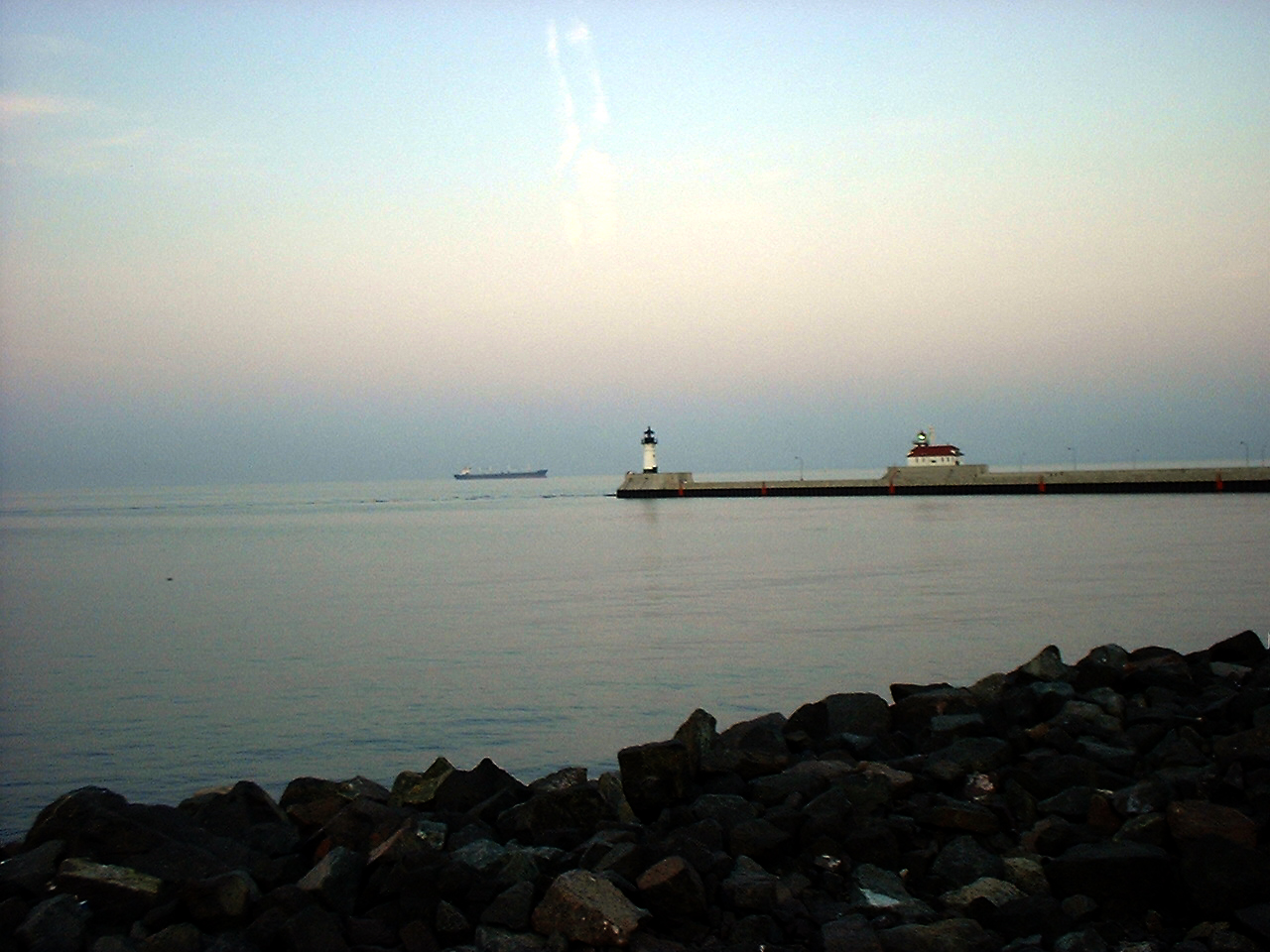
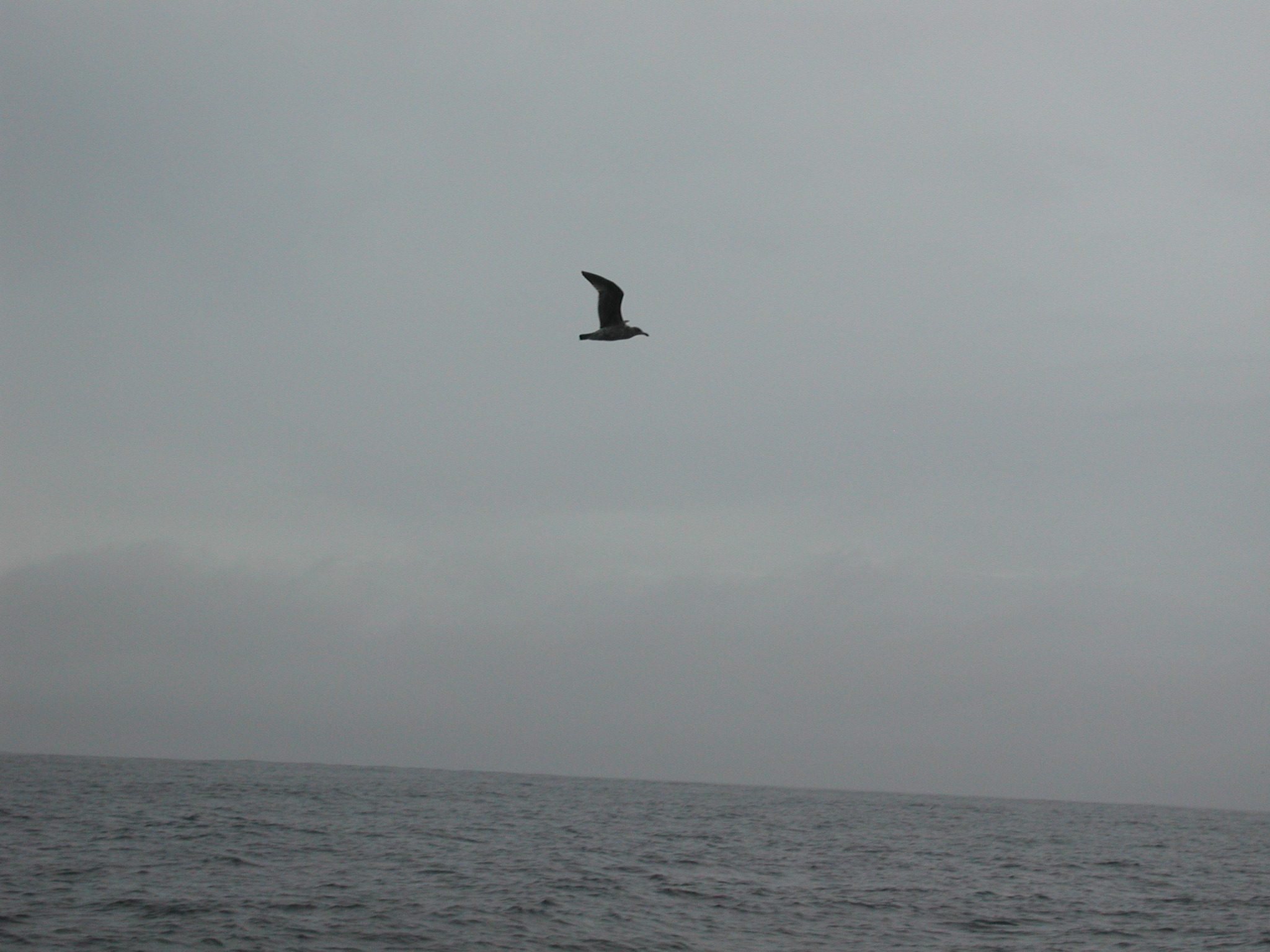
- to download the images "richlighthouse.jpg" and "seagull," (right-click on these links, choose "Save Image As" from the menu, and save these files in your class folder (not in "www") in a new folder called "banner",
- to open Photoshop
If needed, you can also download a copy of the handouts, "Beginning Banner Techniques" and "Intermediate Banner Techniques."